WordPress
Add a form to any WordPress page with the plugin's block or shortcode, or paste a script tag if you would rather install nothing. The same form runs on a React page or in an email, so it is never tied to this one site.
Why Teams Choose It
A Block or a Shortcode
Pick the form by name in the block editor, or paste a shortcode anywhere else. Would rather not install a plugin? A script tag still works.
Brings Its Own Styling
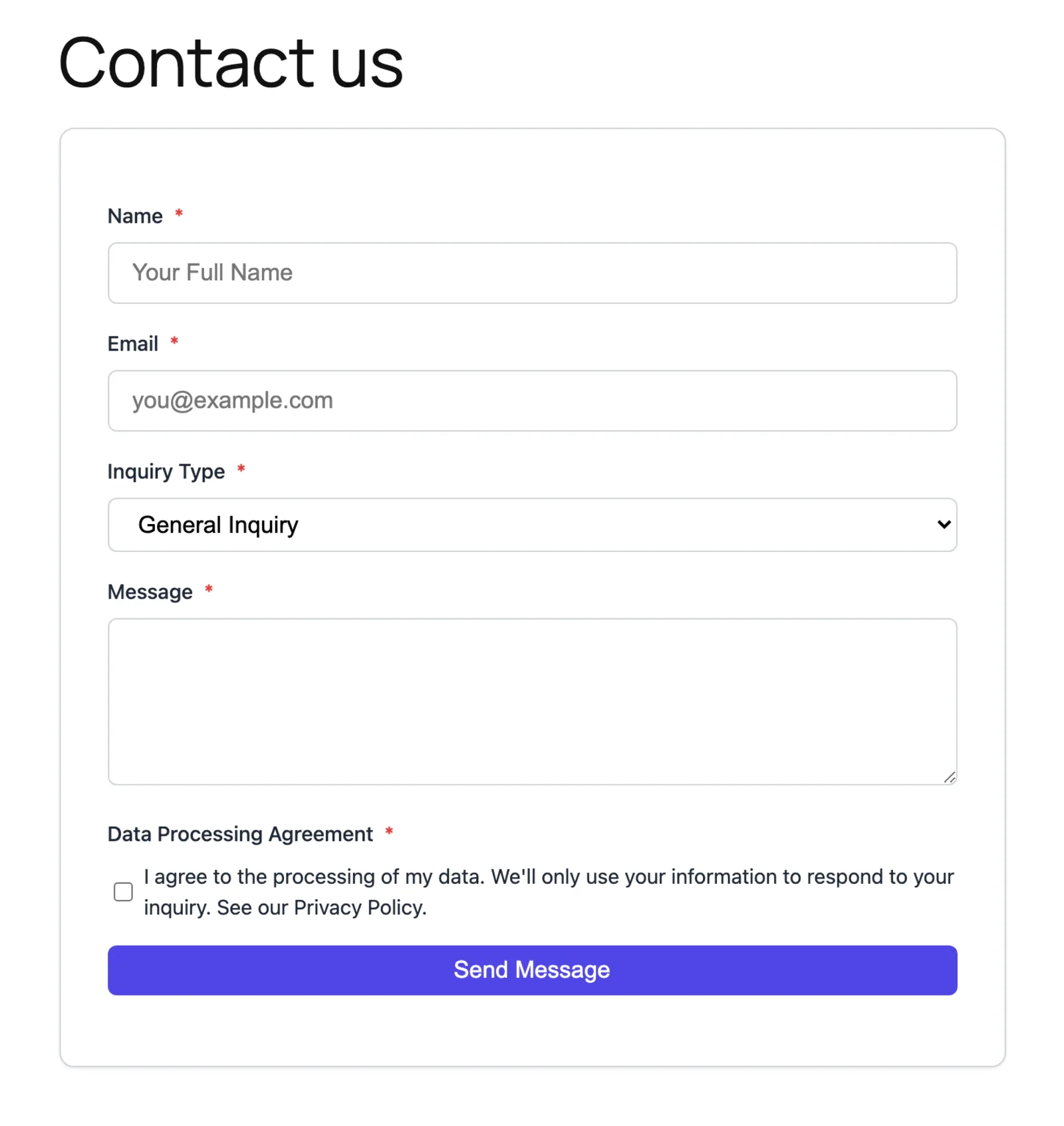
The form draws its own card, so it does not inherit whatever your theme does to inputs. Override the primary colour with a data attribute to match your site.
Works Without JavaScript
The plugin renders the form server-side, so it is in the HTML before any script runs. If the script cannot load, answers still reach you.
Set Up in Three Steps
Install the Plugin
Add KirokuForms from your WordPress admin, or skip it and copy the script tag from your dashboard.
Place the Form
Pick it from the block editor menu, or paste the shortcode into Elementor, Divi or any page builder.
Publish
Save the page and the form renders for your visitors, server-side, with spam checks and notification emails already set up.
Your WordPress Site, Professional Forms
Install, place, publish. Your first form can be live in under a minute.
Connect WordPress